Steps to Outrank Competitors with Google Maps Competitor Analysis
If you're wondering why local competitors rank higher on Google Maps, you're in the right place. With a systematic competitor analysis, you can identify your gaps and easily boost your map visibility.
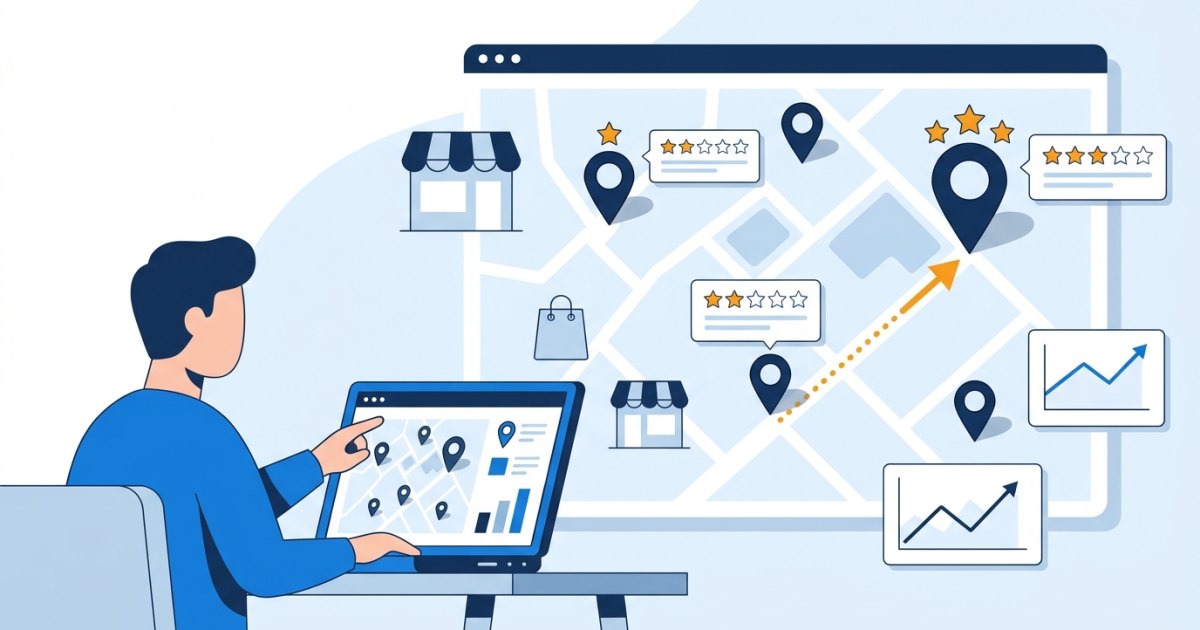
It is certainly no coincidence that nearby competing businesses rank higher than you on Google Maps. To ensure customers notice you and to increase your visibility in local searches, you need to perform regular Google Maps competitor analysis. By examining successful local profiles, you can pinpoint your own shortcomings and take the right steps to drive potential customers to your business.
Many local business owners believe that ranking high on Google Maps requires complex technical know-how. However, the process is actually quite straightforward: understand what your competitors offering the same services are doing right, and turn what they overlook into an advantage for your business. In this article, we explain how to strengthen your map profile through step-by-step competitor analysis.
Where Should You Start Your Competitor Analysis?
Before diving into competitor analysis, you must accurately identify the keywords your customers use when searching for you. For instance, if you run an auto repair shop, users don't just search for "auto repair"; they also search for terms like "nearest car service," "brake replacement," or "routine maintenance."
You can start by following these steps:
- Define Your Search Keywords: List the 3-5 core search terms that best describe your services.
- Use Incognito Mode: Open an incognito browser window to access Google Maps so your past search history doesn't skew the results.
- List the Top 5 Competitors: Note down the top-ranking competitor businesses for your target keywords. These are your direct local competitors.
- Record Your Own Ranking: Note where your business ranks for those same search terms.
This initial preparation gives you a clear picture of your starting point and who you are competing against.
5 Key Areas to Analyze in Competitor Profiles
The Google Maps algorithm prioritizes profiles that are closest, most relevant, and most trustworthy to the user. When analyzing your competitors, focus on these five critical areas:
1. Business Categories
Google Business Profile allows you to select one primary category and multiple secondary categories. The primary category directly impacts your map ranking. Check which main category your competitors are using. Is theirs different from yours? What additional services have they specified in secondary categories? A slight difference in category selection can lead to significant changes in search results.
2. Review Count, Rating, and Content
When choosing a business, people first look at star ratings and review counts. When analyzing your competitors, don't just look at their average rating—pay attention to:
- How many new reviews have they received in the last month?
- Which specific services do customers praise in the reviews?
- How quickly and in what manner does the business owner respond to reviews (especially negative ones)?
3. Visual and Photo Variety
Photos on a profile directly influence customer trust. Open the profiles of top-ranking competitors and examine their photos. Do they feature exterior, interior, team, product, or work-in-progress photos? High-quality and regularly uploaded photos signal that the profile is active and up to date.
4. Services, Products, and Business Description
Is the description text in the profile's "About" section clear and straightforward? Are offered services listed in detail? For example, does a dental clinic profile merely say "Oral and Dental Health," or have they added sub-services like implants and teeth whitening individually? A thoroughly filled-out services list makes it easier to stand out in search matches.
5. Business Hours and Contact Information
Are business hours complete? Do they update their hours on special holidays or seasonal breaks? Are the phone number, website link, and appointment link working? Profiles providing complete and accurate information appear much more reliable to both users and the system.
Steps to Turn Competitor Weaknesses into Opportunities
Once your analysis is complete, it's time to update your own profile. The areas where your competitors fall short present your biggest opportunities to stand out.
- Lead with Photo Quality: If your competitors use poor or dim photos, upload well-lit, clean, and professional images of your shop.
- Don't Neglect Review Responses: If competitors don't reply to incoming reviews, craft genuine, polite, and solution-oriented responses to every review. This shows potential customers that you care about your business.
- Answer Frequently Asked Questions on Your Profile: Clearly address topics customers often ask about (such as parking availability, payment options, appointments) in your business and service descriptions.
- Add Missing Services: Detail any additional services you offer that your competitors haven't listed.
Tip: Carefully read the topics in your competitors' negative reviews. For example, if reviews mention complaints like "parking issues" or "unanswered calls," highlight your convenient parking options and prompt communications on your own profile.
The Importance of Continuous Competitor Tracking
Success on Google Maps isn't achieved through a one-off effort. A new business might open in your area, an existing competitor might launch an intensive review campaign, or they might update their categories.
That's why competitor tracking should become a habit. Check your competitors' rankings, review counts, and newly uploaded visuals on a weekly or monthly basis. Staying on top of trends helps you remain one step ahead in the local market.
Mistakes to Avoid While Improving Your Map Ranking
Some serious mistakes made while trying to outrank competitors can lead to penalties or even profile suspension. Google determines your ranking; therefore, you must always abide by its rules.
- Do Not Buy Fake Reviews: If fake reviews from non-existent customers are detected, your profile risks being removed from maps entirely.
- Do Not Keyword-Stuff Your Business Name: Your Google profile name should be exactly what appears on your storefront sign. Adding phrases like "Best Restaurant Kadikoy" to your business name violates Google policies.
- Do Not Ask Only Satisfied Customers for Reviews: Directing only happy customers to leave reviews while gating others violates guidelines. Request feedback equally from all your customers.
Managing all these competitor analysis and map tracking processes manually can be time-consuming. To easily monitor your business's position and competitors on Google Maps, quickly reply to reviews using AI, and collect customer reviews via QR systems, you can choose MapNitro. To learn more and select the best solution for your business, check out our packages.
Frequently Asked Questions
How often should Google Maps competitor analysis be performed?
For consistent tracking, performing a detailed competitor analysis at least once a month is recommended. However, in highly competitive industries, conducting brief weekly checks helps you spot changes early.
What should I do if I notice competitors using fake reviews?
You can report suspicious fake reviews to Google using the "Flag as inappropriate" option. On your own profile, focus on gathering organic reviews without resorting to deceptive practices.
Does adding keywords to the business name improve rankings?
While adding extra keywords to your business name might go unnoticed in the short term, it can lead to profile suspension once detected by Google. Using your official business name is the safest approach.